Release Notes - April 23, 2026
SwiftyNotes 1.1.0: iPad, Shortcuts, Watch, and Deeper Focus
SwiftyNotes 1.1.0 is the first minor release after launch. It turns the 1.0 foundation into a broader Apple-platform writing system: better on iPad, faster through Shortcuts, more observable when something breaks, and more deliberate when you sit down to write.
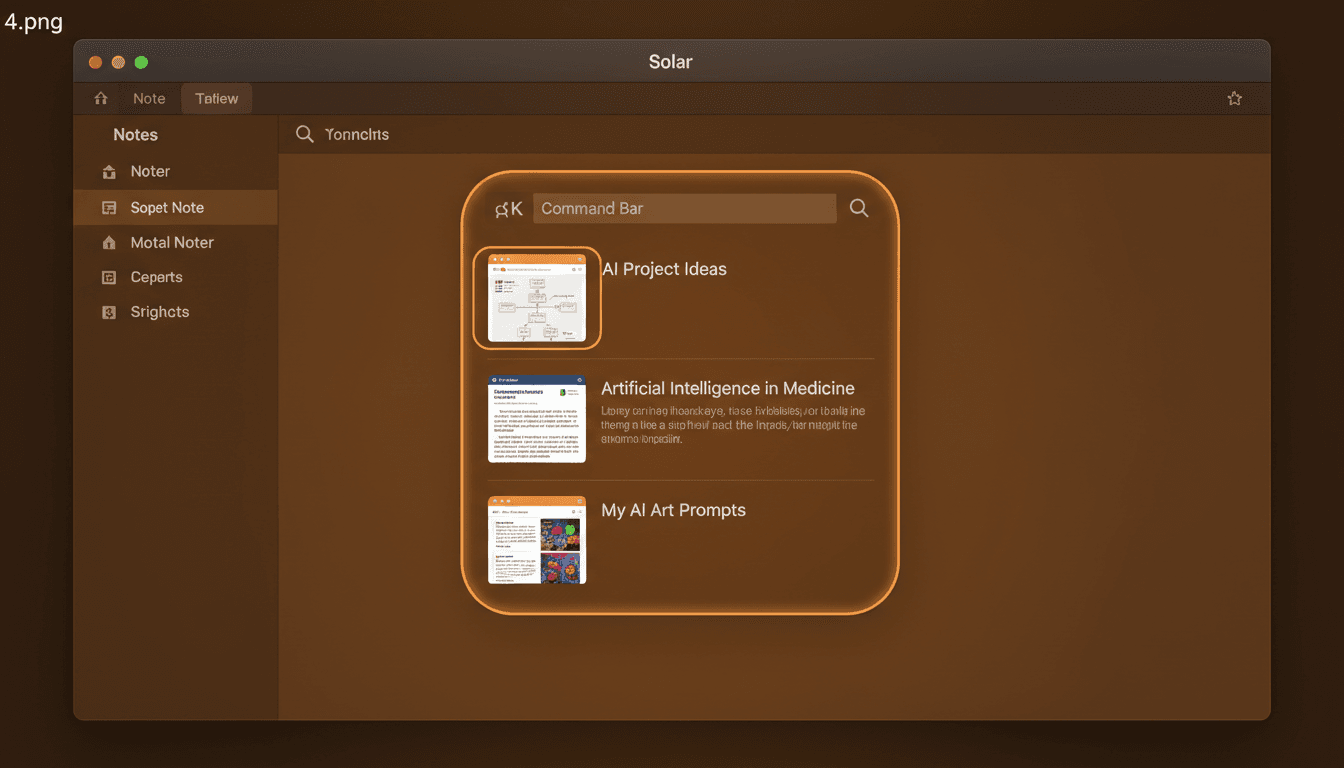
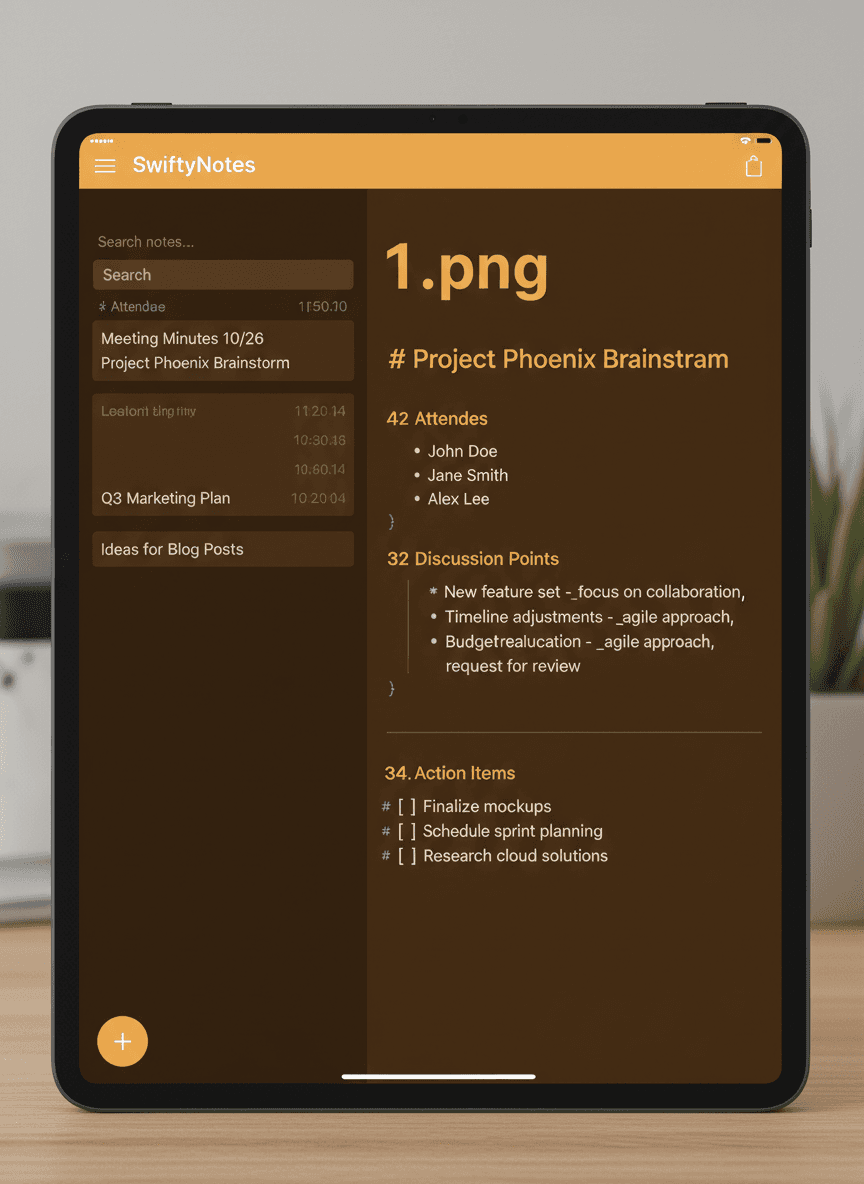
The biggest visible change is on iPad. SwiftyNotes now treats Stage Manager as a real workspace instead of a stretched phone layout. The app can open notes in separate scenes, use a richer split-view structure, mirror the Mac shortcut set on hardware keyboards, and accept drag-and-drop text and images without forcing you through a share sheet. Apple Pencil users also get a quick focus-mode toggle.
Shortcuts are the power-user layer. The URL scheme now covers search, today, append, reading mode, and theme switching, with callback support for flows that need to hand control back. New App Intents create notes, append to daily notes, search, retrieve note bodies, open notes, start writing sessions, and list today's highlights. The new Shortcuts gallery gives you starter automations instead of making you build from a blank canvas.
This release also adds the writing features we wanted from iA Writer, Simplenote, and Logseq without copying their complexity. Focus Sentence dims everything except the sentence under the caret. Optional syntax highlighting uses Apple's language tools for subtle parts-of-speech color. Version history keeps recoverable snapshots, and Outliner mode lets structured thinkers rearrange a note while still storing plain Markdown text.
SwiftyNotes is now more observable without becoming more invasive. Analytics stay opt-in and content-free. Sentry filtering strips sensitive breadcrumbs, the health endpoint gives deployment checks a simple target, and the new observability notes document where to look when production misbehaves.
Smaller screens got useful too. The watchOS target and complication code make today's note glanceable from Apple Watch, while the Lock Screen widget gives iPhone users a fast route into capture. The 1.1.0 cycle also shipped the roadmap and feedback loop, the beta email drip system, measured performance work, and the bug-hunt fixes needed to keep the release boring in the right places.